
The model can only work with what you give it. These are the habits that separate a believable result from an uncanny one.
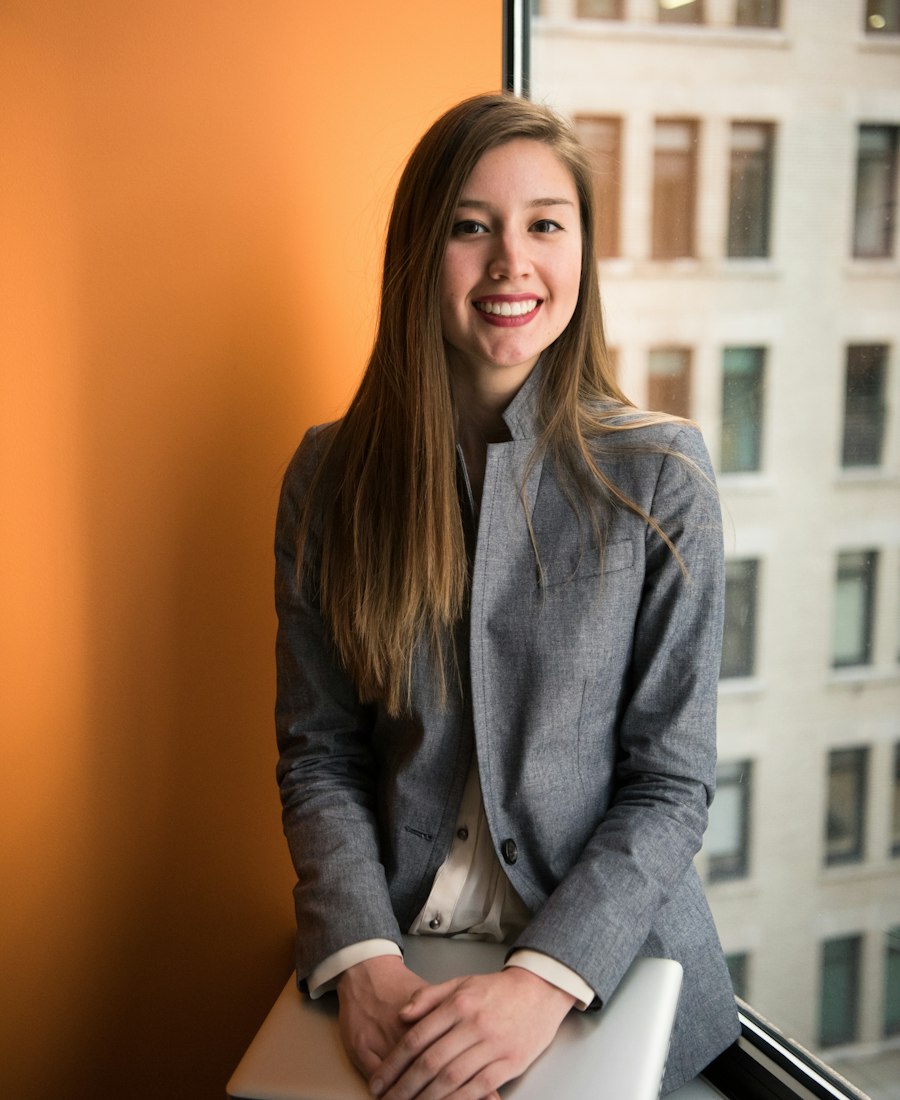
Most disappointing AI headshots are not model failures. They’re source-photo failures: a face half in shadow, a camera tilted up, five near-identical frames, or a beauty filter that already smoothed away the features the model needs.
The good news is that the fix takes about two minutes and no equipment. Here’s what actually matters when you’re shooting the input set — and how to choose a style once the photos are ready.
The short version
1. Light beats resolution
A 12-megapixel photo with soft, even light will produce a better headshot than a 50-megapixel photo lit by a ceiling bulb. The model is reading the geometry of your face: where the nose meets the cheek, how the jaw catches light, the shape around the eyes. Hard shadows hide that information.
Stand facing a window during daylight. Not beside it — facing it. Put the phone where your face is evenly lit, and turn off overhead lights if they cast shadows under your eyes. That’s it. No ring light, no reflector, no white bedsheet.
Avoid direct sun on your face, which creates harsh shadows and makes you squint. Overcast daylight or a north-facing window is ideal.
2. Shoot at eye level
The classic selfie angle — phone held low, camera tilted up — flatters almost no one and gives the model a distorted jaw and forehead. Hold the phone at eye level and keep it roughly parallel to your face. If you’re using a mirror, check that the lens is not above your eyeline.
A slight turn (10–20 degrees) reads more naturally than a dead-on passport photo, but keep both eyes visible. The model needs symmetry cues, not a profile.
3. Give the model options
Three photos is the minimum; five to ten is better. The set should look like the same person on the same day, with small deliberate changes:
- Angle: straight on, a slight left turn, a slight right turn.
- Expression: neutral, a closed-lip smile, a fuller smile.
- Distance: one closer frame, one from the chest up.
What to avoid: sunglasses, hats that hide the hairline, heavy filters, group photos, and photos where someone else’s face is in frame. Keep your hairstyle and facial hair consistent across the set — the model will treat changes as identity signals.
4. Dress for the job (a little)
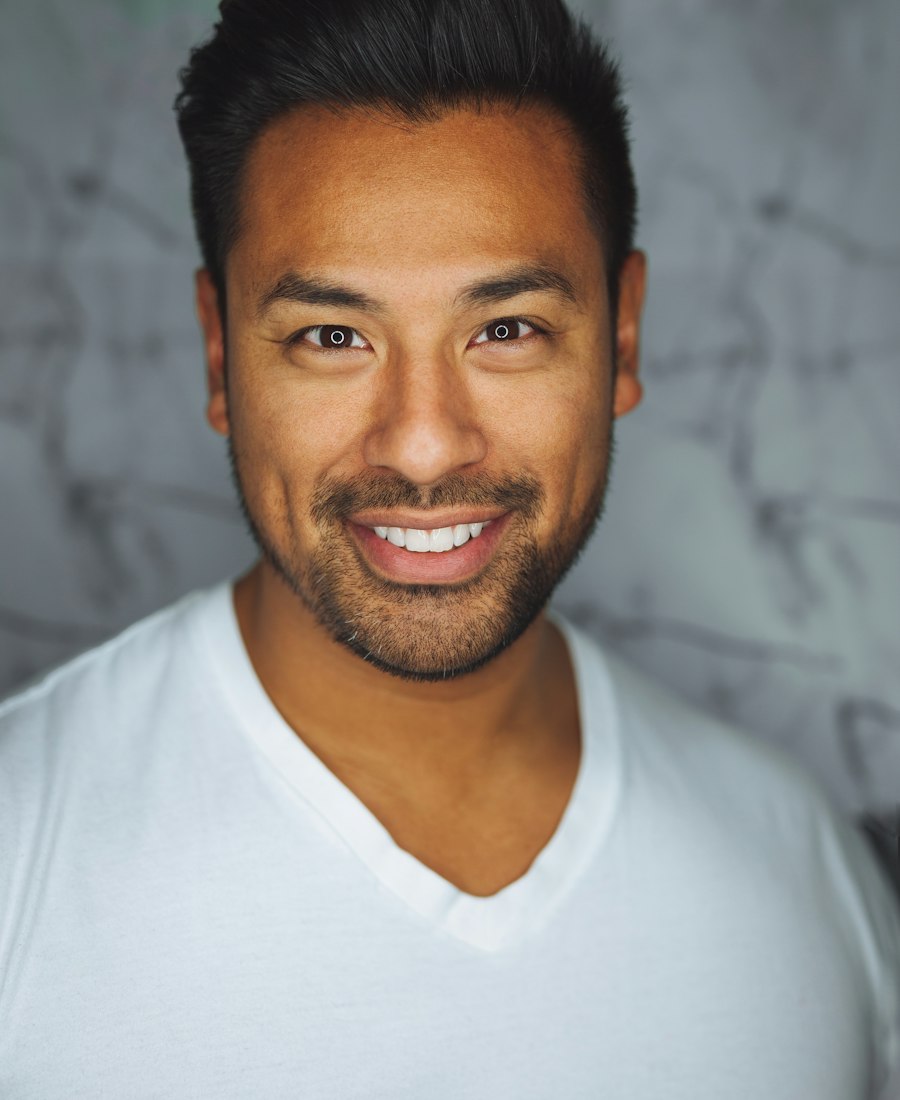
ProShot generates the wardrobe for each style, so you don’t need a suit in the source photos. But avoid clothing that fights the result: heavy patterns, large logos, and high collars can leak into the generated image. A plain t-shirt or shirt is the cleanest input.
If you wear glasses, keep them on if you want them in the result. Frames are part of how people recognise you, and the model handles them well when the lenses aren’t reflecting a window.
5. Pick the style for the room, not the trend
The best headshot is the one that matches where it will appear. A cinematic, low-key portrait is memorable on a speaker page and out of place on a conservative corporate directory. Our four styles map to four contexts:
- LinkedIn Classic — the safe default for job hunting and corporate profiles.
- Corporate Executive — boardroom presence for leadership pages and press.
- Casual Professional — warm and human for founders, creatives, and personal brands.
- Executive Power — cinematic and direct for keynotes and leadership features.
You can generate more than one. In fact, that’s usually the right move: a LinkedIn-safe image and a more distinctive one for your site. See the four styles side by side →
What ProShot does with your photos
Identity preservation is the core of the product. The style changes the wardrobe, background, and lighting — not your face shape, skin tone, hair, or apparent age. The output is a 2K image you can download and use for profiles, CVs, company pages, and press.
Uploaded selfies are deleted from our servers within 24 hours. Generated headshots are hosted for 14 days, and we don’t keep a mirror. Neither is used to train AI models. You can read the specifics in the ProShot privacy policy.
The two-minute checklist
- Face a window; turn off overhead lights.
- Hold the phone at eye level, lens parallel to your face.
- Take 5–10 frames: slight turns, two expressions, two distances.
- No filters, sunglasses, hats, or group shots.
- Keep hair and facial hair consistent across the set.
- Choose the style for the context, not the drama.
- Download the results you like before the 14-day window closes.
That’s the whole craft. The rest is the model’s job — and a good one starts with a boring photo.